Clearer thinking.
Better work.
More value.
Practical guidance and interactive Lean Six Sigma tools. Find new ways to improve quality, efficiency and the way you work.
For iPhone & iPad · No account required
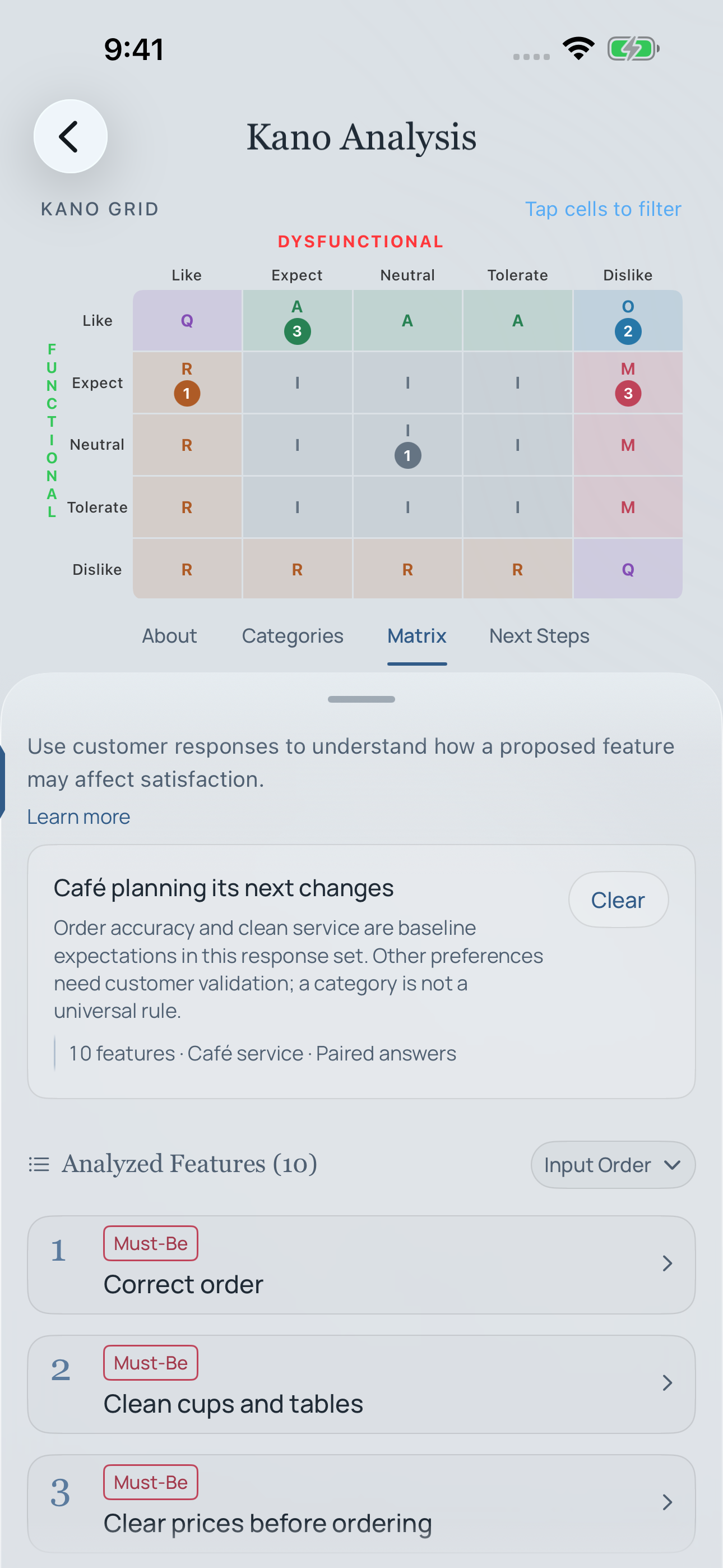
Think it through.
Then take a useful next step.
Practical guidance. Worked examples. 26 interactive tools.
Your work stays on your device.
Better work starts
with a different question.
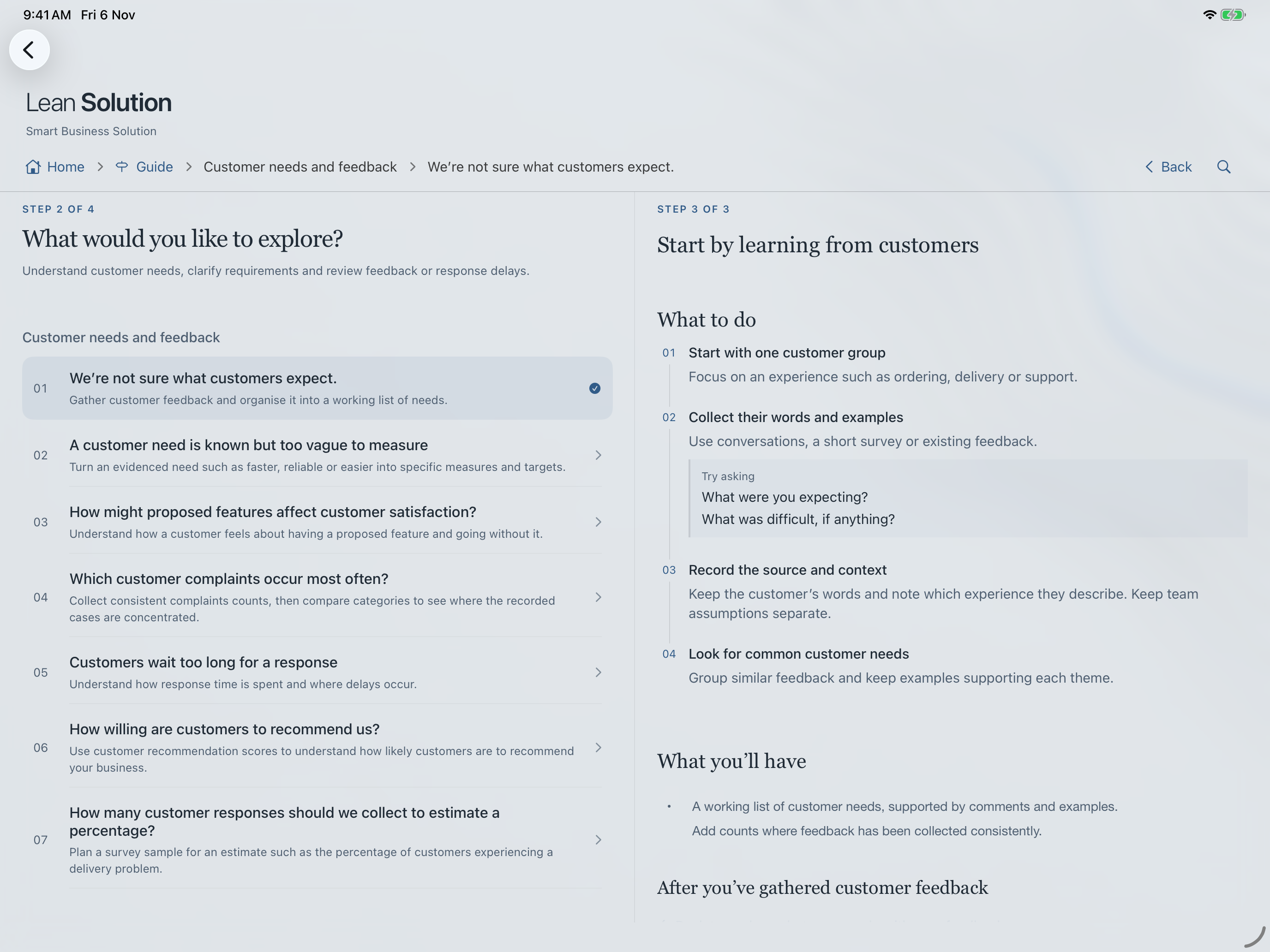
Explore six connected areas of improvement. Choose one to see a question worth asking, and tools that can help you think it through.
What do our customers actually need?
Listen to their experience. Turn feedback into a clearer picture of what matters and what to improve.
Different starting points. A more connected way to think.
Useful in the
world you work in.
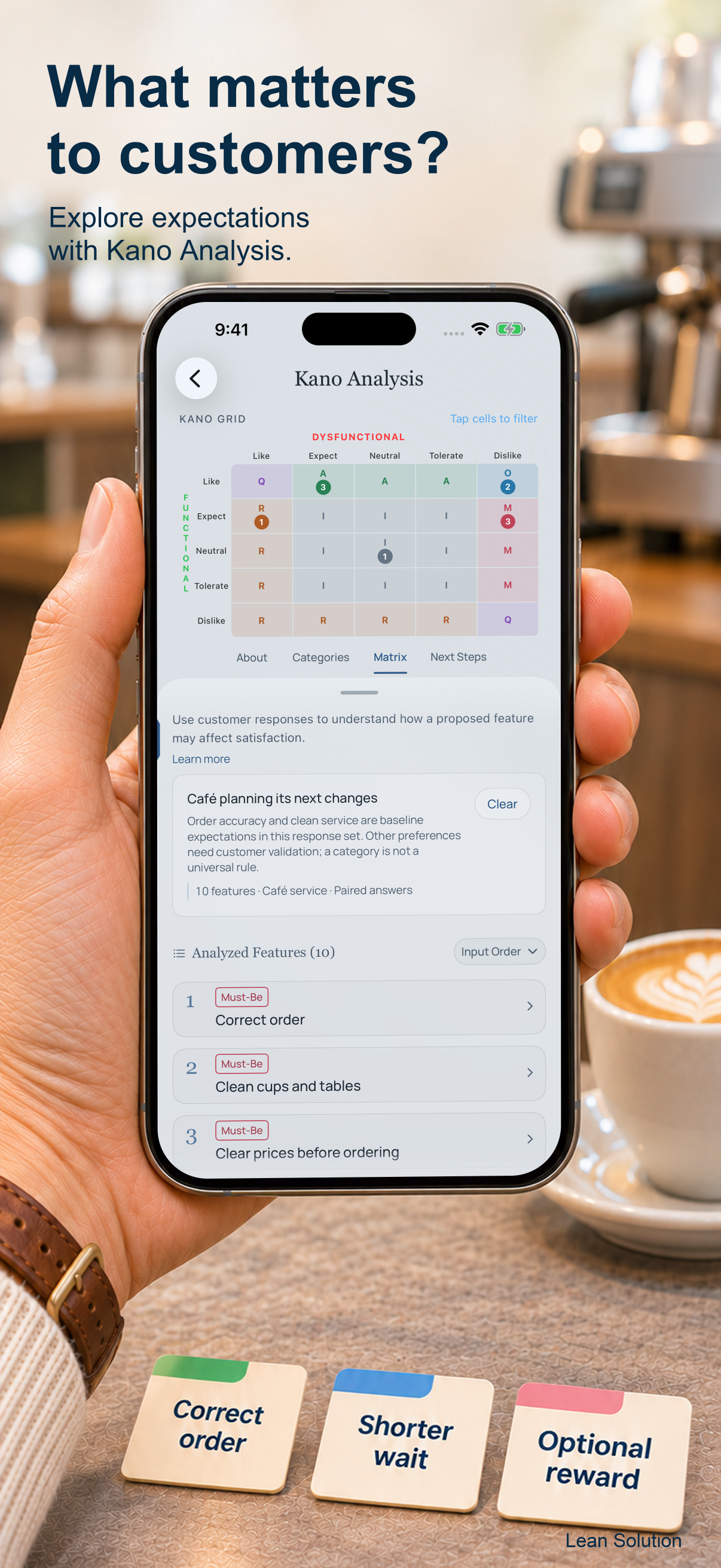
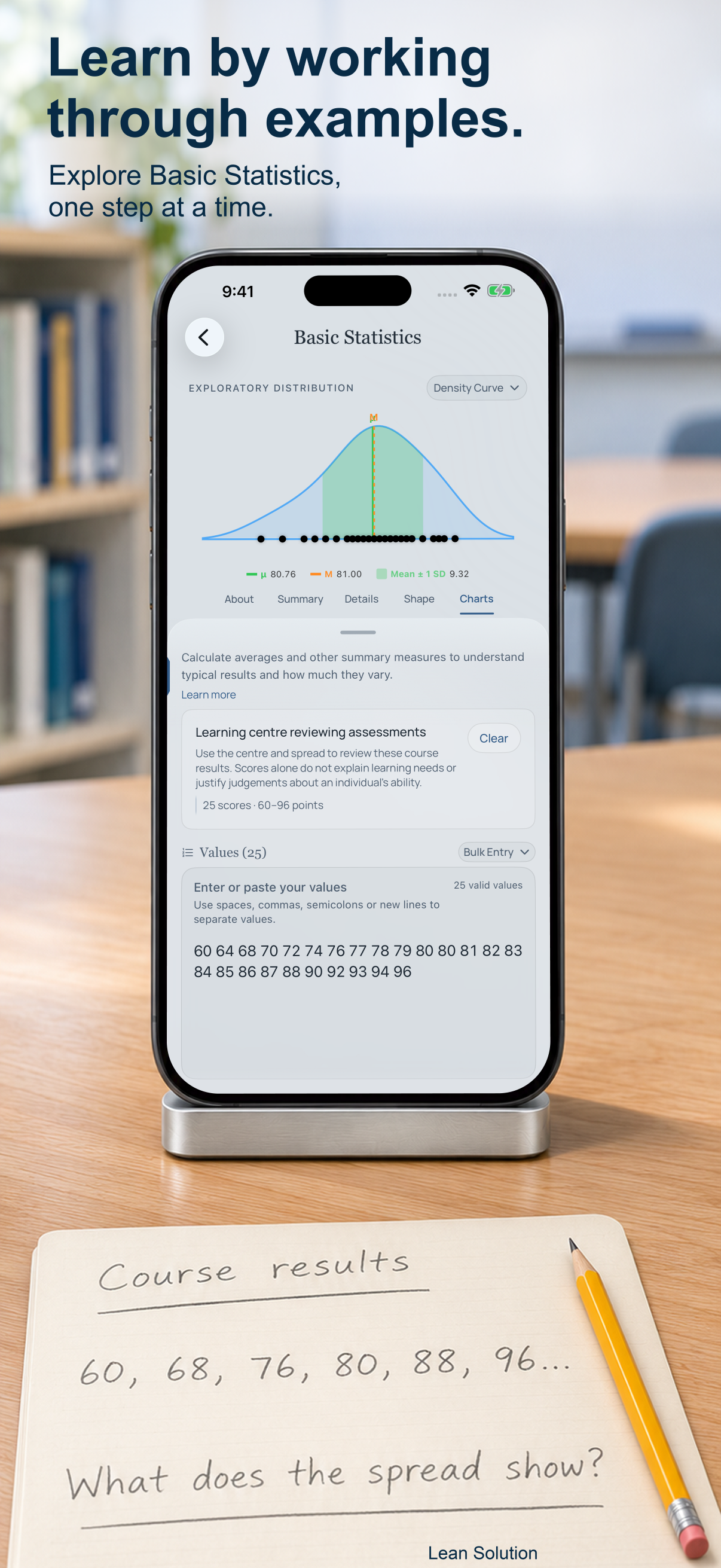
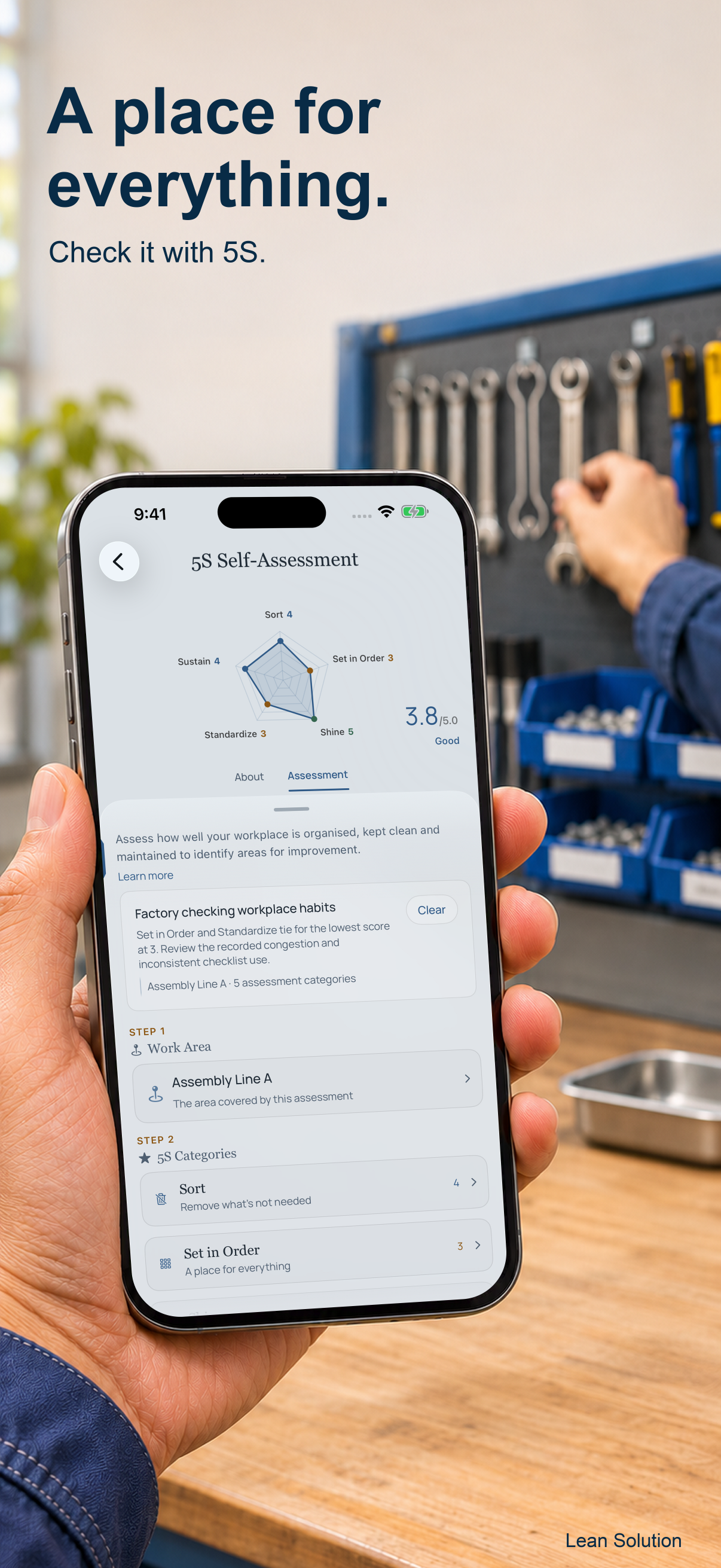
From listening to customers to understanding data and organising a workplace. Explore tools through practical explanations and fictional examples.
A place to think.
And work to return to.
Learn with explanations and worked examples. Save your analyses on your device, name them meaningfully, and share a result when you choose.
- Portrait and landscape layouts
- Saved Results in Settings
- No automatic cross-device synchronisation

US$14.99
Single purchase · iPhone & iPad
26 tools, practical guidance and worked examples.
Planned US launch price. Local App Store pricing may vary.
QR code
to be added
App Store link
To be updated
A few useful answers.
Do I need an account?
No account or sign-in is required to use the app’s tools.
Where is my work saved?
Analyses and preferences are stored locally on your device. Find saved analyses in Settings → Saved Results. There is no automatic synchronisation between devices.
How do I load an example?
Open a tool, go to About / Examples, then load an example. The examples are fictional and help explain the tool’s inputs and results.